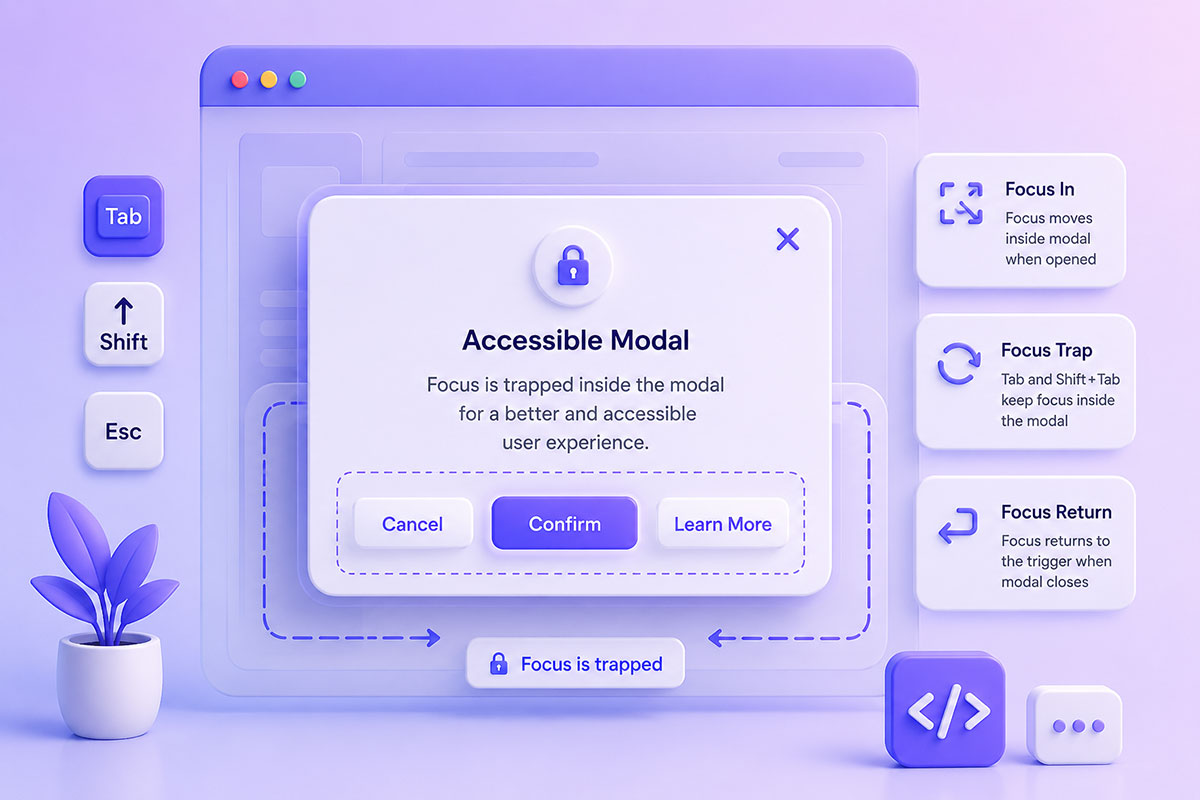
Why Focus Management Matters Keyboard accessibility is often overlooked during web development, yet it’s a fundamental part of creating usable and inclusive applications. When users navigate a website using the Tab key, the browser moves focus between interactive elements such as links, buttons, form controls, and other focusable components. In many situations, this default behavior is exactly what we want. …
Mastering jQuery Selectors: IDs, Classes, Attributes & DOM Traversal
Why Selectors Matter Every interactive web application begins with selecting the right element. Whether you’re: updating content handling events validating forms creating animations modifying styles building WordPress plugins your JavaScript first needs to locate the correct element in the Document Object Model (DOM). jQuery made this dramatically simpler by allowing developers to use familiar CSS-style selectors to find and manipulate …
Automatically Resize an iframe to Fit Its Content: Modern JavaScript Approaches
Why iframe Auto-Height Is Still a Challenge The HTML <iframe> element makes it easy to embed another webpage inside your own, but it comes with one long-standing limitation: Its height does not automatically adjust to match its content. This often results in one of two problems: Large empty space below the embedded content Internal scrollbars appearing inside the iframe Neither …
Building an Eraser Tool with HTML5 Canvas Using globalCompositeOperation
Why Canvas Erasing Isn’t as Simple as It Looks The HTML5 <canvas> element gives developers complete control over drawing pixels, making it ideal for applications such as: Digital whiteboards Signature pads Image annotation tools Drawing applications Online design tools Educational software Interactive games Drawing is straightforward—simply render lines or shapes. Erasing, however, is different. A common beginner’s approach is to …
Implementing Copy & Paste Image Uploads in Modern Web Applications
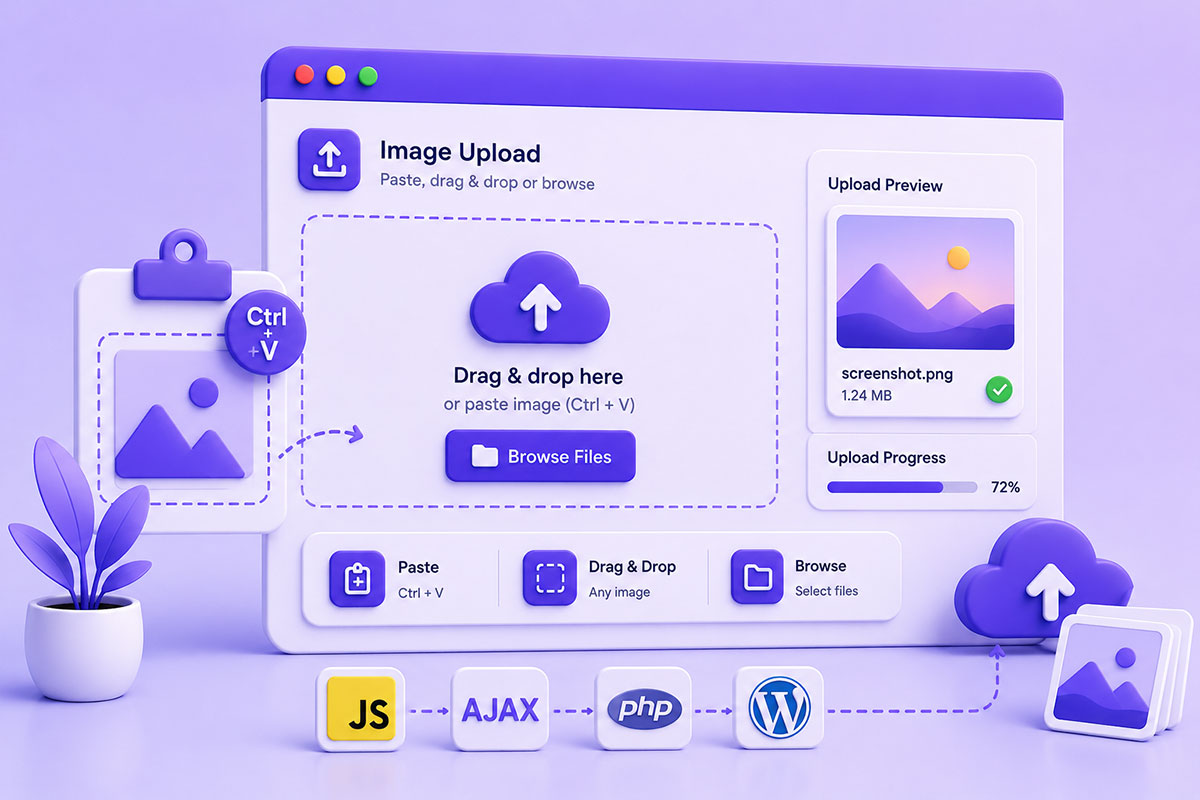
Why Paste-to-Upload Improves User Experience Uploading files traditionally involves several steps: Click Upload ↓ Browse Files ↓ Select File ↓ Open For users who already have an image in their clipboard—perhaps from a screenshot tool or image editor—this workflow feels unnecessarily slow. Modern web applications increasingly allow users to simply press: Ctrl + V or ⌘ + V to upload …
Building Secure AJAX File Upload Systems with PHP & JavaScript
Why AJAX Uploads Matter Uploading files is one of the most common features in modern web applications. You’ll find uploads in: Customer portals CRM systems Support ticketing platforms Document management systems WordPress plugins Profile management Product management Business dashboards Instead of refreshing the page after selecting a file, AJAX uploads provide a much smoother experience. Users can: Select files View …
- Page 1 of 2
- 1
- 2