
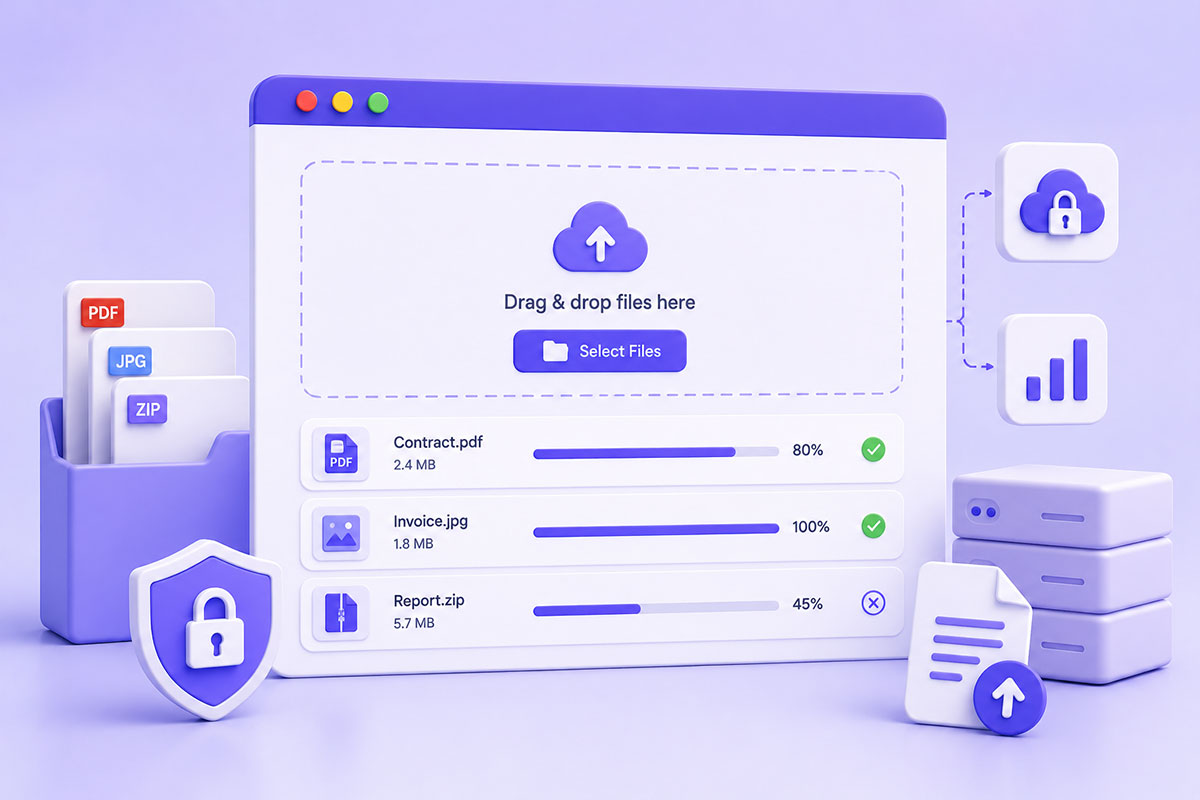
Why AJAX Uploads Matter
Uploading files is one of the most common features in modern web applications.
You’ll find uploads in:
- Customer portals
- CRM systems
- Support ticketing platforms
- Document management systems
- WordPress plugins
- Profile management
- Product management
- Business dashboards
Instead of refreshing the page after selecting a file, AJAX uploads provide a much smoother experience.
Users can:
- Select files
- View upload progress
- Continue working
- Receive instant feedback
without leaving the current page.
Traditional Upload vs AJAX Upload
Traditional uploads follow this flow:
Select File
↓
Submit Form
↓
Page Reloads
↓
Upload Complete
AJAX changes the experience to:
Select File
↓
Upload Begins
↓
Progress Indicator
↓
Success Message
The browser sends the file asynchronously using FormData, allowing the page to remain interactive throughout the upload process.
The Foundation: FormData
Modern browsers provide the FormData interface for sending files and form fields together in a multipart request. It’s supported by the Fetch API as well as XMLHttpRequest, making it the standard approach for AJAX uploads.
Example:
const formData = new FormData();

formData.append('file', selectedFile);

formData.append('customer_id', customerId);
The browser automatically creates the correct multipart request.
jQuery AJAX vs Fetch API
Many legacy WordPress projects still rely on jQuery.
Example:
$.ajax({

    url: uploadUrl,

    method: 'POST',

    data: formData,

    processData: false,

    contentType: false

});
For new applications, I generally prefer the native Fetch API, which eliminates the need for a JavaScript library while providing a modern Promise-based interface.
If you’re maintaining existing WordPress plugins or themes, however, jQuery remains perfectly acceptable.
Server-Side Validation Is Essential
One of the biggest mistakes developers make is trusting client-side validation.
Never assume a file is safe simply because JavaScript allowed it.
Always verify:
- File type
- MIME type
- Extension
- File size
- Upload errors
- Authentication
- User permissions
The server—not the browser—must make the final decision.
Store Files Safely
Avoid storing uploaded files directly inside publicly accessible folders unless they are intended to be public.
For sensitive documents:
Application
↓
Authentication
↓
Permission Check
↓
Secure Storage
↓
Controlled Download
This prevents users from bypassing your application by guessing file URLs.
Provide Upload Progress
One of the biggest UX improvements is showing upload progress.
A progress bar reassures users that:
- the upload has started
- data is being transferred
- the application hasn’t frozen
This becomes especially important when uploading large files.
Handle Multiple Files
Modern applications often allow multiple uploads simultaneously.
Typical examples include:
- Support attachments
- Product galleries
- Project documentation
- Customer records
- Image libraries
Design your upload endpoint to handle batches efficiently rather than requiring multiple page submissions.
Image Uploads Need Extra Processing
For images, the upload process often continues after the file reaches the server.
Typical post-processing includes:
- Resize large images
- Generate thumbnails
- Strip metadata
- Compress files
- Convert formats
- Scan for malware
Keeping these tasks asynchronous can improve the perceived responsiveness of the application.
Security Considerations
Secure upload systems should include:
- File size limits
- MIME type validation
- Extension validation
- Unique filenames
- Authentication
- Authorization
- Malware scanning (where appropriate)
- Upload logging
Never rely solely on the file extension to determine file type.
Common Mistakes
Trusting File Extensions
A file named:
invoice.pdf
may not actually be a PDF.
Always validate the actual MIME type and inspect uploads server-side.
Using Original Filenames
Instead of:
resume.pdf
generate:
6fd91f3a-2d2c.pdf
or another unique identifier to avoid collisions and information leakage.
Storing Everything in One Folder
As applications grow, consider organizing uploads by:
- User
- Project
- Date
- Document type
This simplifies management and backup strategies.
No Upload Limits
Always define:
- Maximum file size
- Maximum number of files
- Allowed file types
This protects both the application and server resources.
No Error Handling
Uploads can fail because of:
- Network interruptions
- PHP upload limits
- Storage limitations
- Permission issues
Provide meaningful feedback instead of generic error messages.
Real-World Perspective
Across the business applications I’ve developed, file uploads extend far beyond simple profile pictures.
Typical examples include:
- Customer documents
- Marketing assets
- Product images
- Reports
- Generated DOCX and PDF files
- Support screenshots
- Business contracts
In these systems, uploading is just one step in a broader workflow that includes validation, storage, processing, permissions, and controlled downloads.
Designing uploads as part of the application’s architecture—not as an isolated feature—results in solutions that are more secure, scalable, and maintainable.
Best Practices
When building AJAX upload systems:
- Use FormData for multipart requests.
- Validate every upload on the server.
- Generate unique filenames.
- Store sensitive files outside the public web root.
- Display upload progress.
- Support drag-and-drop and clipboard uploads where appropriate.
- Organize uploaded files logically.
- Log uploads for auditing when required.
Final Thoughts
AJAX file uploads have become the standard for modern web applications because they provide a smoother and more responsive user experience.
However, a production-ready upload system involves much more than transferring a file from the browser to the server. Authentication, validation, storage, permissions, and post-processing all play critical roles in building secure and scalable solutions.
Whether you’re developing a WordPress plugin, a business portal, or a custom PHP application, treating uploads as part of your overall system architecture will produce more reliable software and a better experience for your users.