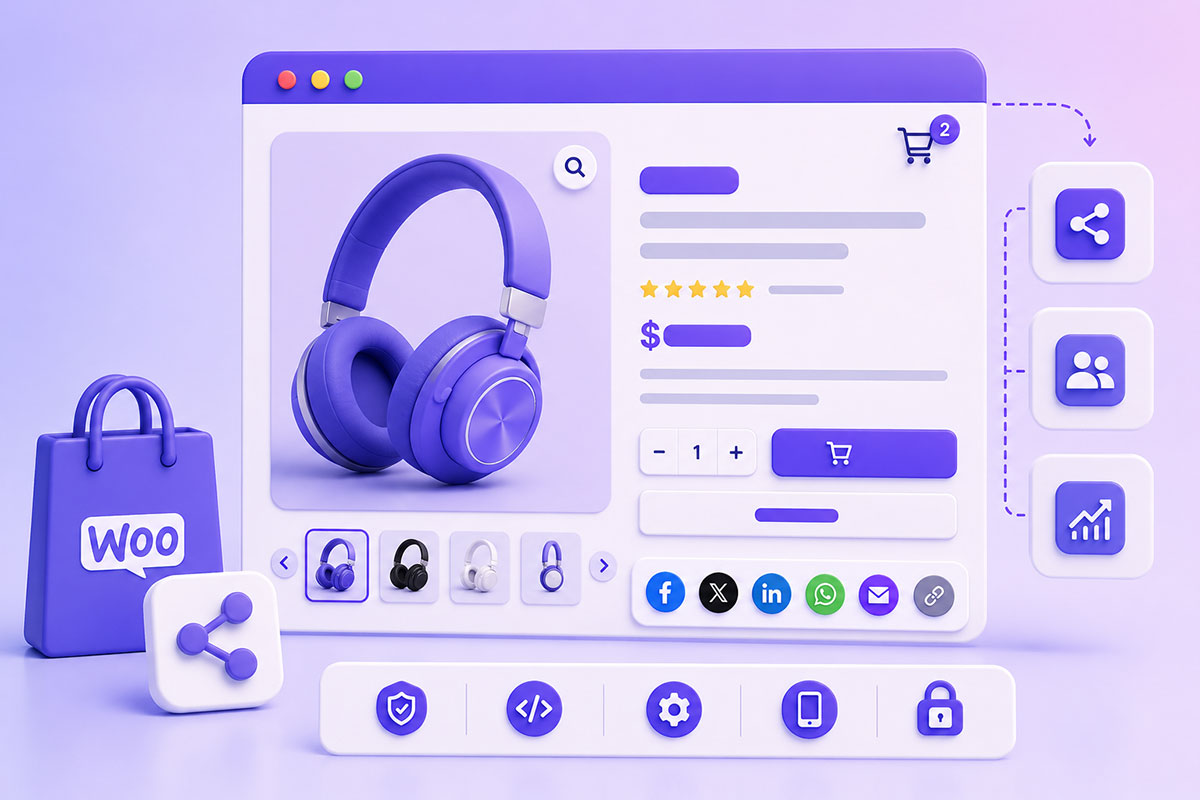
Should WooCommerce Products Have Social Sharing Buttons? Product pages are often one of the most visited areas of an online store. Making it easy for customers to share products with friends, family, or social networks can increase product visibility and encourage organic traffic. WooCommerce doesn’t include product sharing functionality by default, but it provides hooks that make adding custom sharing …
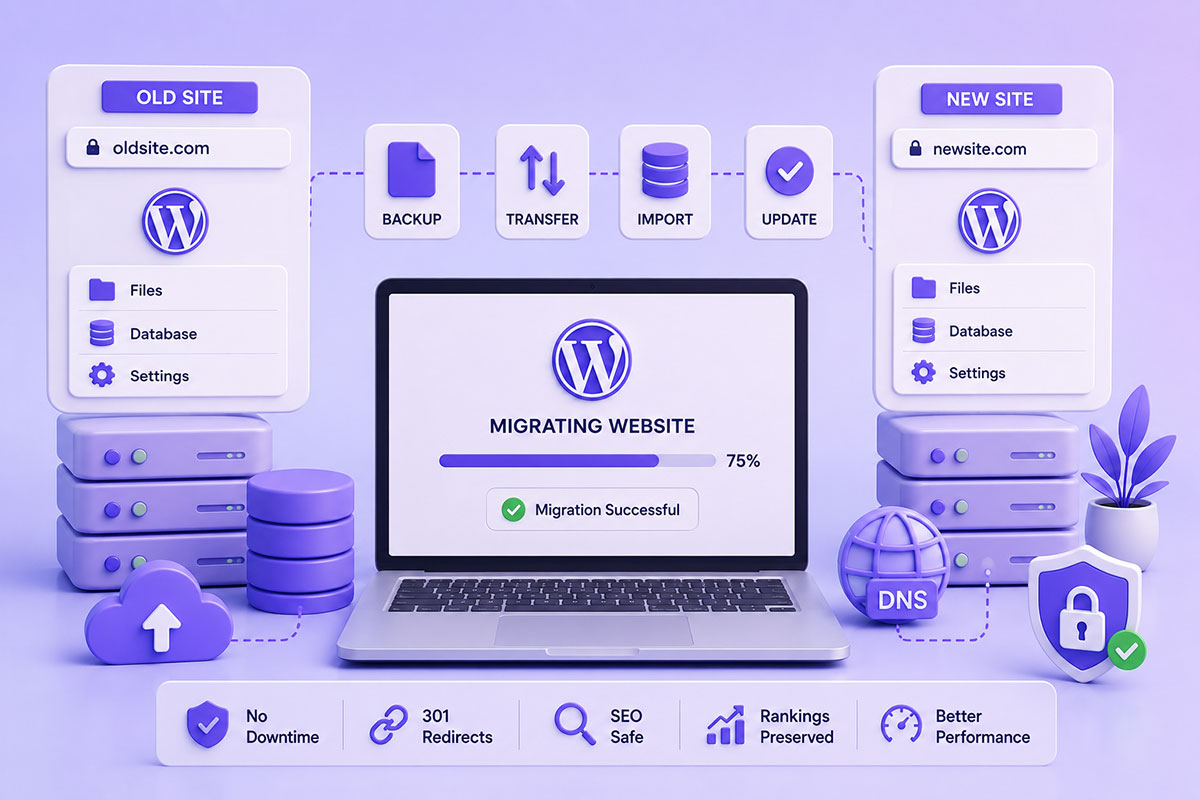
How to Migrate a WordPress Website to a New Domain or Hosting Without Downtime
Why Website Migrations Need Planning Migrating a WordPress website sounds simple: Copy the files Export the database Import everything Update the domain Unfortunately, real-world migrations are rarely that straightforward. Without careful planning, a migration can result in: Broken images Database connection errors 404 pages Mixed content warnings Plugin failures Email issues SEO ranking drops Whether you’re moving to a new …
Display Featured WooCommerce Products Using WP_Query: A Modern Developer’s Guide
Why Feature Products? Featured products are an effective way to highlight: Best sellers New arrivals Seasonal promotions High-margin products Editor’s picks Limited-time offers WooCommerce lets store owners mark products as Featured, making it easy to showcase selected products throughout the website without changing categories or product ordering. Typical locations include: Homepage Landing pages Sidebar widgets Product recommendation sections Marketing pages …
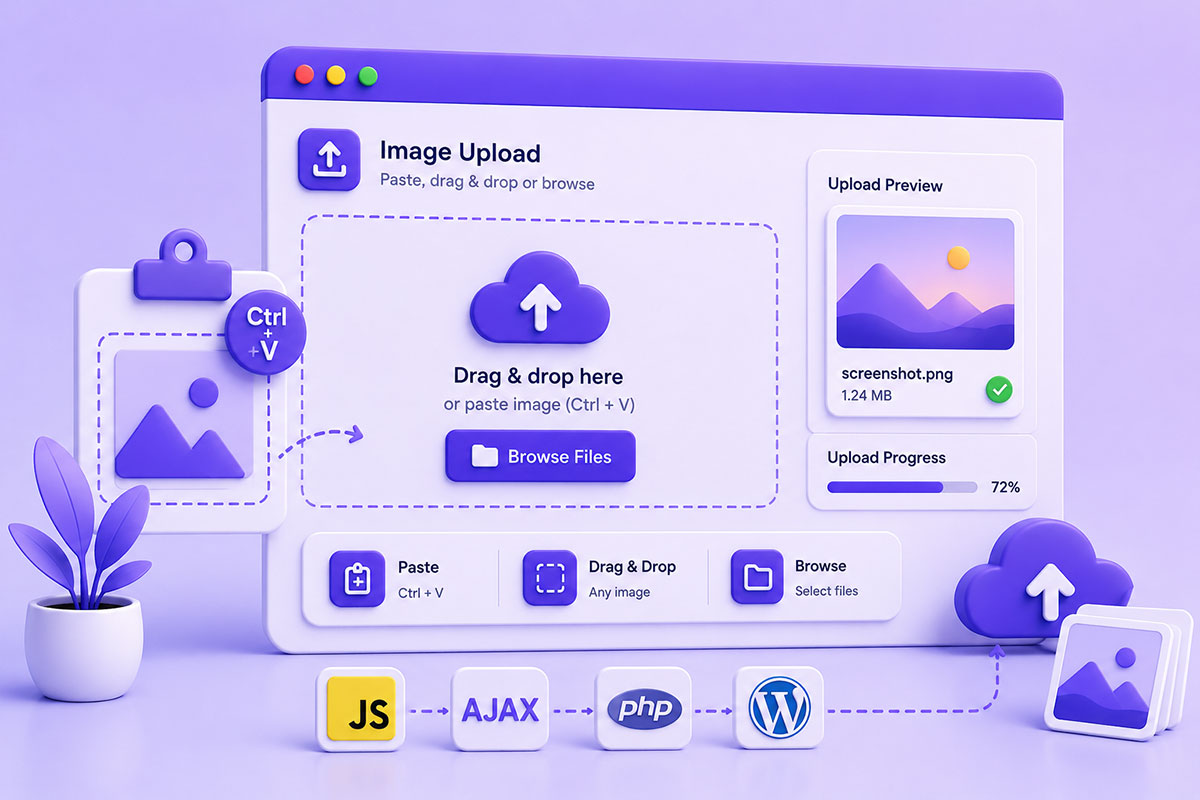
Implementing Copy & Paste Image Uploads in Modern Web Applications
Why Paste-to-Upload Improves User Experience Uploading files traditionally involves several steps: Click Upload ↓ Browse Files ↓ Select File ↓ Open For users who already have an image in their clipboard—perhaps from a screenshot tool or image editor—this workflow feels unnecessarily slow. Modern web applications increasingly allow users to simply press: Ctrl + V or ⌘ + V to upload …
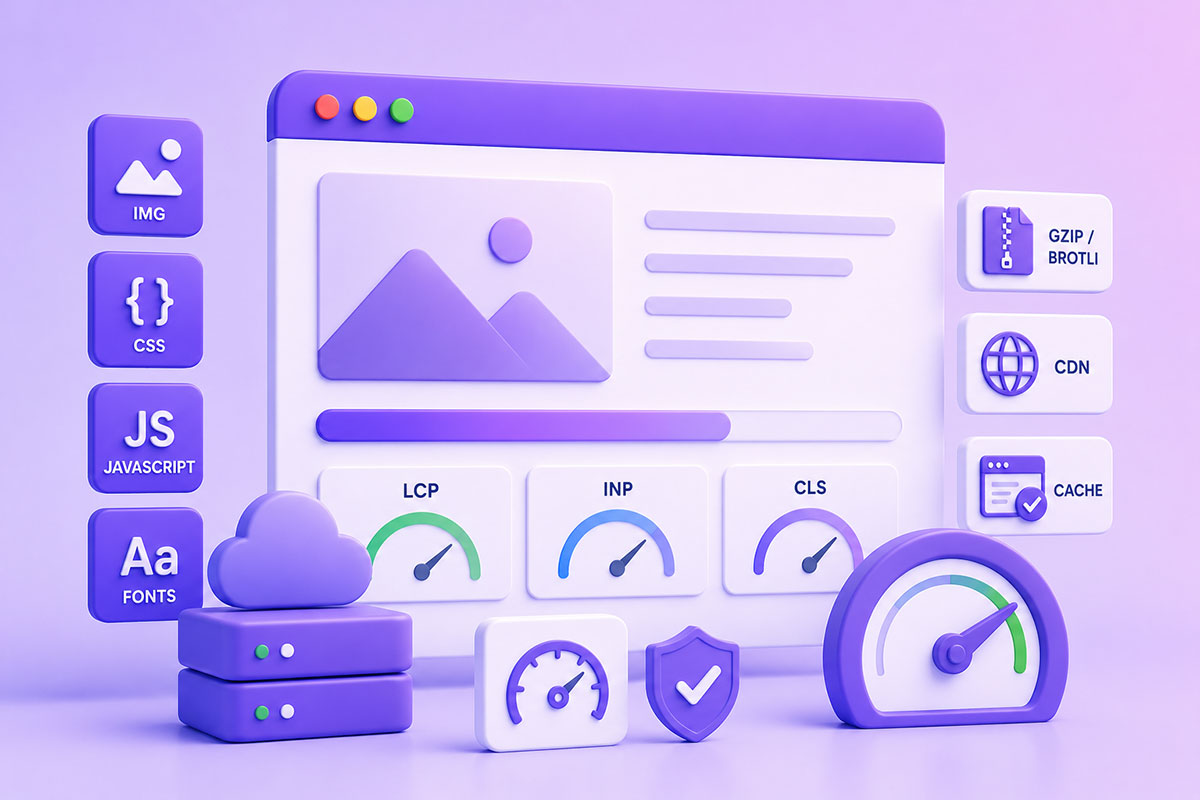
Modern Front-End Performance Optimization: Images, CSS, JavaScript & Compression
Why Website Performance Matters Website speed is no longer just about making pages load faster. Performance directly affects: User experience Search engine visibility Conversion rates Accessibility Mobile usability Google now evaluates real user performance through Core Web Vitals, focusing on metrics such as: Largest Contentful Paint (LCP) Interaction to Next Paint (INP) Cumulative Layout Shift (CLS) Optimizing front-end resources is …
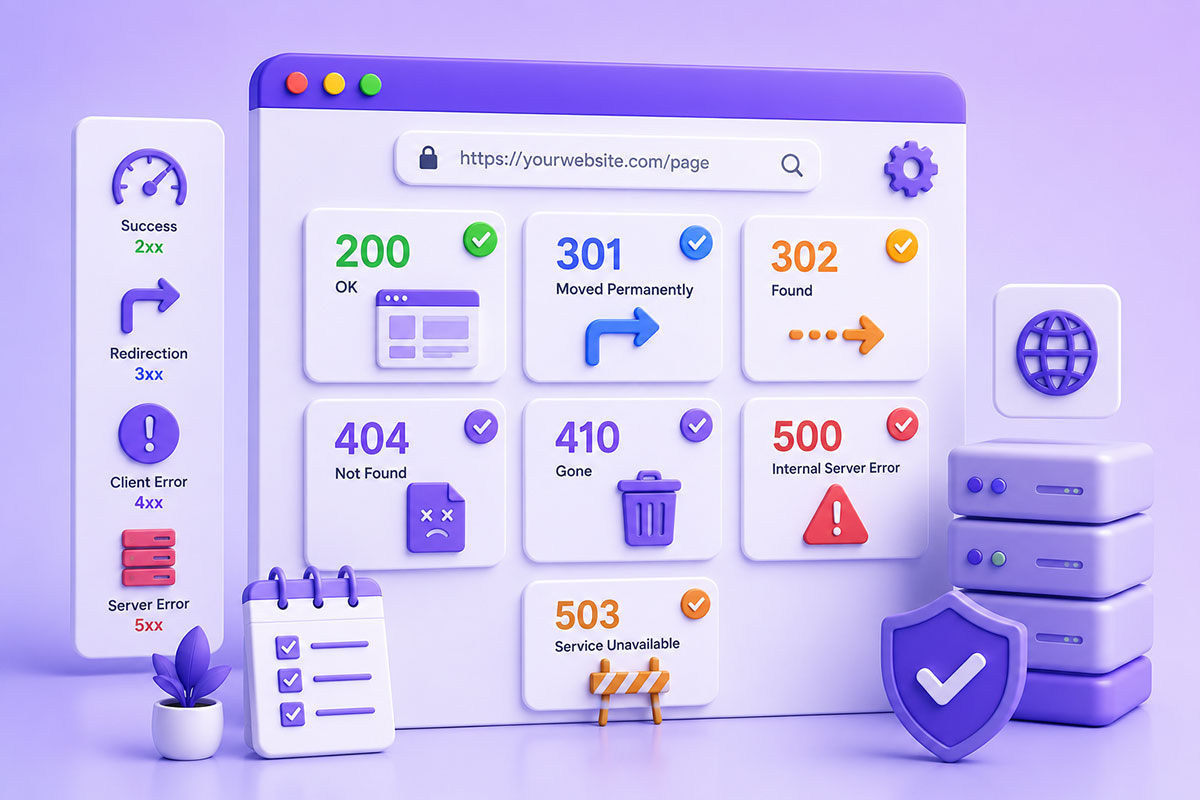
HTTP Status Codes Explained: When to Use 200, 301, 302, 404, 410 & 500
Why HTTP Status Codes Matter Every time a browser, search engine, or API requests a page, the server responds with an HTTP status code. Although visitors rarely see these codes directly, they determine how browsers, search engines, and applications should handle the response. A status code tells the client whether: The request succeeded The page moved The page doesn’t exist …