
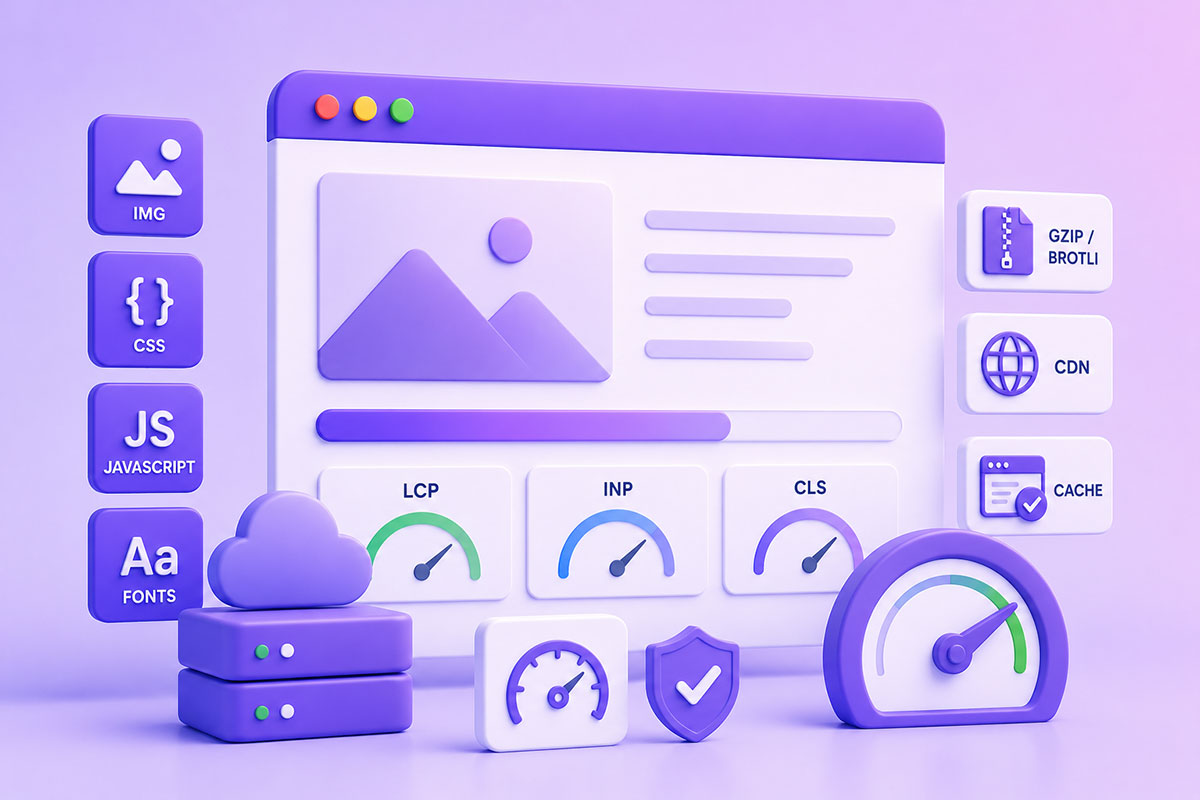
Why Website Performance Matters
Website speed is no longer just about making pages load faster.
Performance directly affects:
- User experience
- Search engine visibility
- Conversion rates
- Accessibility
- Mobile usability
Google now evaluates real user performance through Core Web Vitals, focusing on metrics such as:
- Largest Contentful Paint (LCP)
- Interaction to Next Paint (INP)
- Cumulative Layout Shift (CLS)
Optimizing front-end resources is one of the most effective ways to improve these metrics.
Where Most Performance Problems Come From
For many websites, the largest contributors to slow page loads are:
- Images
- JavaScript
- CSS
- Web fonts
- Third-party scripts
Reducing their size and loading them more intelligently has a much greater impact than simply upgrading hosting.
1. Optimize Images First
Images usually account for the largest portion of transferred page weight.
Best practices include:
- Use AVIF or WebP where supported.
- Resize images to the display dimensions.
- Compress images before uploading.
- Remove unnecessary metadata.
- Avoid oversized hero images.
Modern formats such as WebP and AVIF generally provide better compression than JPEG and PNG while maintaining visual quality.
2. Lazy Load Images (But Not Everything)
Native browser lazy loading makes image optimization much simpler.
<img
src="gallery.webp"
loading="lazy"
alt="Gallery">
However:
Do NOT lazy load above-the-fold images.
Your hero image often becomes the Largest Contentful Paint element, and delaying it can hurt Core Web Vitals.
3. Minify CSS
Remove:
- whitespace
- comments
- unused rules
Smaller CSS downloads faster.
For larger projects, consider splitting styles into logical modules rather than shipping one monolithic stylesheet.
4. Reduce Unused CSS
Many WordPress sites load CSS for plugins that aren’t even used on the current page.
Examples include:
- Slider plugins
- Contact forms
- WooCommerce
- Page builders
Load assets only where required.
5. Optimize JavaScript
JavaScript affects more than download size—it also affects parsing, compilation, and execution time.
Good practices include:
- Remove unused code.
- Load non-critical scripts asynchronously or defer them.
- Split large bundles.
- Delay functionality until it’s needed.
Modern performance guidance emphasizes reducing JavaScript execution because it directly affects responsiveness and INP.
6. Defer Non-Critical Scripts
Instead of blocking rendering:
<script defer src="app.js"></script>
or
<script async src="analytics.js"></script>
Use each attribute appropriately based on script dependencies.
7. Compress Text Resources
Compress:
- HTML
- CSS
- JavaScript
- JSON
- XML
Historically, GZIP was the standard.
Today:
Brotli is generally preferred where supported because it achieves better compression ratios than GZIP for text-based assets. Many modern web servers and CDNs support Brotli automatically.
8. Enable Browser Caching
Static assets should be cached whenever practical.
Examples:
- Images
- Fonts
- CSS
- JavaScript
Returning visitors shouldn’t need to download unchanged assets repeatedly.
9. Use a CDN
A Content Delivery Network reduces latency by serving assets from locations closer to the visitor.
Typical CDN-delivered assets include:
- Images
- CSS
- JavaScript
- Fonts
- Downloads
This often improves both performance and reliability.
10. Optimize Fonts
Web fonts frequently become hidden performance bottlenecks.
Recommendations:
- Limit font families.
- Limit font weights.
- Use modern formats.
- Preload critical fonts when appropriate.
- Prefer system fonts if branding allows.
11. Reduce Third-Party Scripts
Many websites include:
- Analytics
- Chat widgets
- Marketing tags
- Heatmaps
- Social embeds
Every external script adds:
- DNS lookups
- Network requests
- JavaScript execution
Audit them regularly and remove anything that no longer provides value.
12. Optimize the Critical Rendering Path
The browser cannot render a page until it has processed certain resources.
Help it by:
- Inlining only critical CSS when appropriate.
- Deferring non-essential JavaScript.
- Prioritizing above-the-fold content.
- Avoiding render-blocking resources.
Optimizing the critical rendering path is one of the highest-impact improvements for perceived performance.
WordPress-Specific Performance Tips
When working with WordPress, I typically focus on:
- Loading assets only on pages where they’re needed.
- Removing unused plugin CSS and JavaScript.
- Serving optimized images.
- Enabling object and page caching where appropriate.
- Combining sensible caching with CDN delivery.
- Reviewing third-party plugins for unnecessary front-end assets.
Performance improvements in WordPress often come from reducing what is loaded rather than simply adding more optimization plugins.
Common Mistakes
Uploading 5 MB Images
Resize and compress images before they ever reach production.
Loading Every Plugin Everywhere
Many plugins enqueue CSS and JavaScript globally.
Only load assets where they’re actually needed.
Relying Only on Caching Plugins
Caching helps, but it doesn’t fix oversized images, excessive JavaScript, or inefficient layouts.
Ignoring Core Web Vitals
Passing Lighthouse isn’t enough.
Monitor real user metrics such as LCP, INP, and CLS over time.
Forgetting Compression
Every production server should compress text-based resources.
Where available, Brotli typically offers better compression than GZIP.
Real-World Perspective
Across the WordPress platforms, dashboards, portals, and API-driven applications I’ve built, performance optimization is rarely about a single “magic” tweak.
Instead, it’s the result of dozens of small improvements:
- Better image formats
- Smarter JavaScript loading
- Leaner CSS
- Efficient caching
- Modern compression
- Careful asset management
Together, these optimizations produce faster, more responsive websites that scale more effectively and provide a better experience for both users and search engines.
Performance Optimization Checklist
Before launching a website, I verify:
- Images resized and compressed
- WebP or AVIF where appropriate
- Hero images not lazy loaded
- CSS minified
- JavaScript optimized and deferred where possible
- Brotli or GZIP enabled
- Browser caching configured
- CDN configured
- Unused assets removed
- Core Web Vitals tested
- Third-party scripts reviewed
Final Thoughts
Front-end performance isn’t about applying one optimization technique—it’s about understanding how browsers load, parse, execute, and render your website.
By optimizing images, reducing unnecessary JavaScript and CSS, enabling modern compression, and focusing on Core Web Vitals, developers can build websites that are faster, more reliable, and better equipped to meet today’s performance expectations.
Whether you’re developing a WordPress theme, a WooCommerce store, or a complex business application, performance should be considered a core part of the architecture rather than something added at the end of the project.