
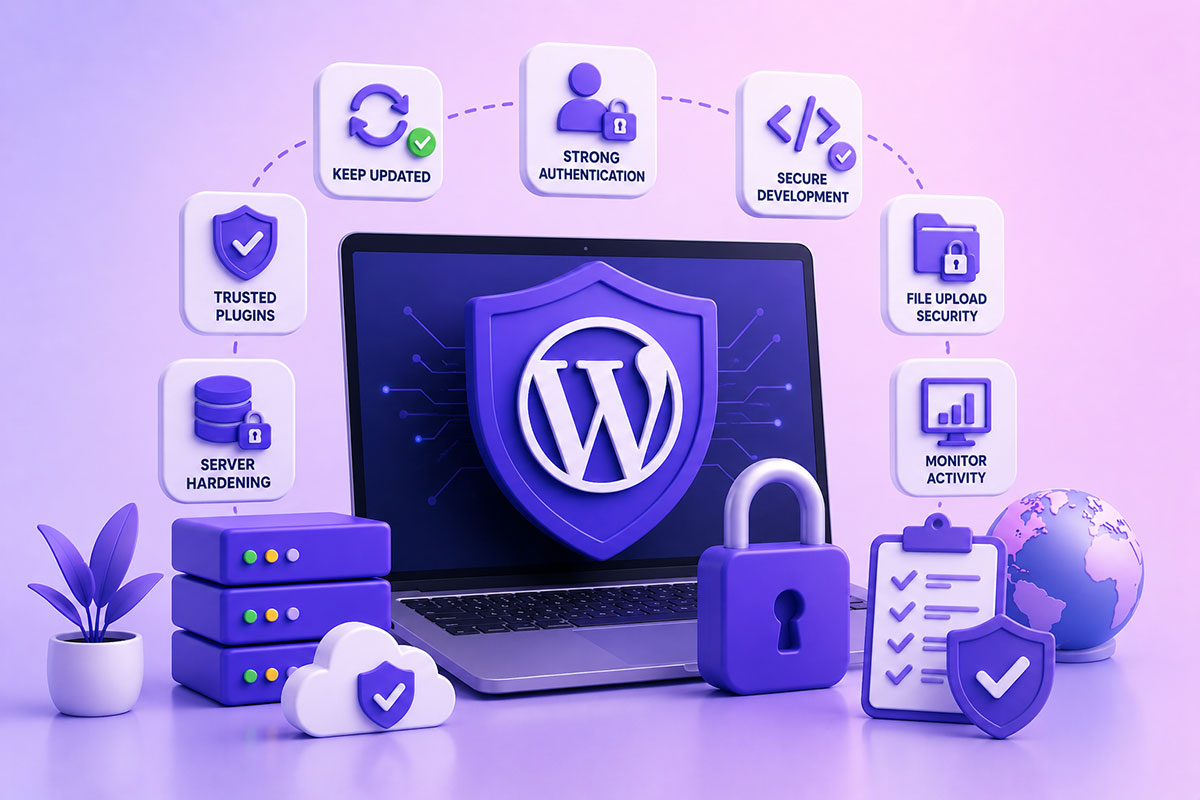
WordPress Isn’t Insecure—Poor Implementations Are
One of the biggest myths in web development is:
“WordPress isn’t secure.”
In reality, WordPress powers millions of websites, including major publishers, government organizations, universities, and enterprise businesses.
The platform itself receives regular security updates, and the WordPress project strongly recommends keeping WordPress core, plugins, and themes updated as the first line of defense.
Most successful compromises don’t occur because of WordPress itself.
They happen because of:
- Outdated plugins
- Abandoned themes
- Weak passwords
- Poor hosting
- Misconfigured servers
- Insecure custom code
Security is a process—not a plugin.
Security Starts Before the First Line of Code
When I build a WordPress project, security begins during architecture—not after launch.
I think about:
- User roles
- Authentication
- File uploads
- API access
- Database permissions
- Third-party integrations
- Backup strategy
- Recovery planning
It’s much easier to build securely than to retrofit security later.
Layer 1 — Keep Everything Updated
This remains the single most effective protection.
Update:
- WordPress Core
- Themes
- Plugins
- PHP
- Server software
But updates should also be tested before deployment.
For client projects, I typically:
Production
↓
Staging
↓
Updates
↓
Testing
↓
Production Deployment
The official WordPress hardening guide recommends keeping WordPress, themes, and plugins current and choosing actively maintained extensions.
Layer 2 — Install Only Trusted Plugins
Every plugin increases your attack surface.
Before installing one, I ask:
- Is it actively maintained?
- Is it widely used?
- Are updates released regularly?
- Does it have unnecessary features?
- Can I build this functionality myself?
On enterprise projects, I often prefer writing a lightweight custom plugin instead of installing several plugins with overlapping functionality.
Layer 3 — Strong Authentication
Passwords alone are no longer sufficient.
I recommend:
- Strong unique passwords
- Two-factor authentication
- Password managers
- Limiting login attempts
- Removing default usernames like admin
These measures significantly reduce the effectiveness of brute-force attacks.
Layer 4 — Secure Custom Development
This is where many vulnerabilities originate.
Whenever I develop plugins or themes, I focus on:
Input Validation
Never trust user input.
Output Escaping
Prevent Cross-Site Scripting (XSS).
Nonces
Protect forms and AJAX requests against CSRF.
Prepared SQL Statements
Avoid SQL Injection.
Capability Checks
Always verify permissions before performing sensitive actions.
These are all core WordPress development practices and form the foundation of secure custom code.
Layer 5 — File Upload Security
Uploads are one of the highest-risk areas.
Every uploaded file should be:
- Validated
- Size-limited
- MIME-type checked
- Stored securely
- Access controlled if private
Never trust the file extension alone.
Layer 6 — Server Hardening
Application security isn’t enough.
The server should also be configured securely.
Typical measures include:
- HTTPS
- Firewall
- Correct file permissions
- Secure SSH access
- Disabled directory listing
- Regular OS updates
- Web application firewall (WAF)
WordPress’s hardening documentation also emphasizes securing the environment around WordPress, including the computers used for administration and the hosting platform itself.
Layer 7 — Backups Are Part of Security
A backup won’t stop an attack.
But it determines how quickly you recover.
A good backup strategy includes:
- Automatic daily backups
- Off-site storage
- Database backups
- File backups
- Restore testing
A backup that hasn’t been tested is just an assumption.
Layer 8 — Monitor Activity
You can’t protect what you don’t monitor.
Useful information includes:
- Login attempts
- File changes
- Plugin installations
- Administrator changes
- Failed logins
- PHP errors
- Server logs
Monitoring often detects problems long before customers notice them.
Layer 9 — Secure API Integrations
Many modern WordPress sites integrate with:
- Stripe
- Twilio
- Google APIs
- CRMs
- Marketing platforms
- AI services
API credentials should:
- Never be hardcoded
- Be stored securely
- Use HTTPS exclusively
- Follow least-privilege access
- Be rotated when appropriate
For the kinds of integrations I build, securing API communication is just as important as securing the WordPress installation itself.
Layer 10 — Security Is Ongoing
Security isn’t something you “finish.”
It requires continuous attention.
Regular tasks include:
- Reviewing plugins
- Removing unused themes
- Monitoring logs
- Applying patches
- Reviewing user accounts
- Testing backups
- Performing security scans
This ongoing maintenance is what keeps websites resilient over time.
Common Mistakes
Installing Too Many Plugins
More plugins don’t automatically mean more features—they also increase maintenance and potential risk.
Using Abandoned Themes
If a theme or plugin hasn’t been maintained for years, it may expose your site to known vulnerabilities.
Giving Everyone Administrator Access
Follow the principle of least privilege.
Users should have only the permissions they need.
Ignoring PHP Updates
Running unsupported PHP versions exposes websites to security risks, even if WordPress itself is current.
Believing One Security Plugin Solves Everything
Security plugins are valuable, but they’re just one layer.
Effective security combines:
- Secure code
- Secure hosting
- Secure configuration
- Good operational practices
Real-World Perspective
Across the WordPress platforms I’ve developed—ranging from marketing websites to multi-location business portals and API-driven systems—security has always been part of the architecture rather than an afterthought.
That means:
- Writing secure custom plugins
- Validating every external input
- Protecting API integrations
- Designing proper authentication flows
- Keeping dependencies current
- Planning for recovery before problems occur
In practice, most security incidents I’ve encountered were not caused by WordPress itself, but by outdated components, weak operational processes, or insecure custom implementations.
WordPress Security Checklist
Before launching a website, I verify:
- WordPress, themes, and plugins fully updated
- Strong administrator accounts
- Two-factor authentication enabled where appropriate
- HTTPS configured correctly
- Secure file permissions
- Regular automated backups
- Login protection in place
- Custom code reviewed for common vulnerabilities
- Unused plugins and themes removed
- Monitoring and logging configured
Final Thoughts
WordPress security isn’t about chasing every new threat—it’s about building strong foundations.
A secure website results from many small decisions made consistently: writing safe code, limiting access, keeping software updated, hardening the server, and monitoring the environment over time.
When security is treated as part of the development process rather than a post-launch task, WordPress becomes a robust platform capable of powering everything from small business websites to enterprise-grade applications.