
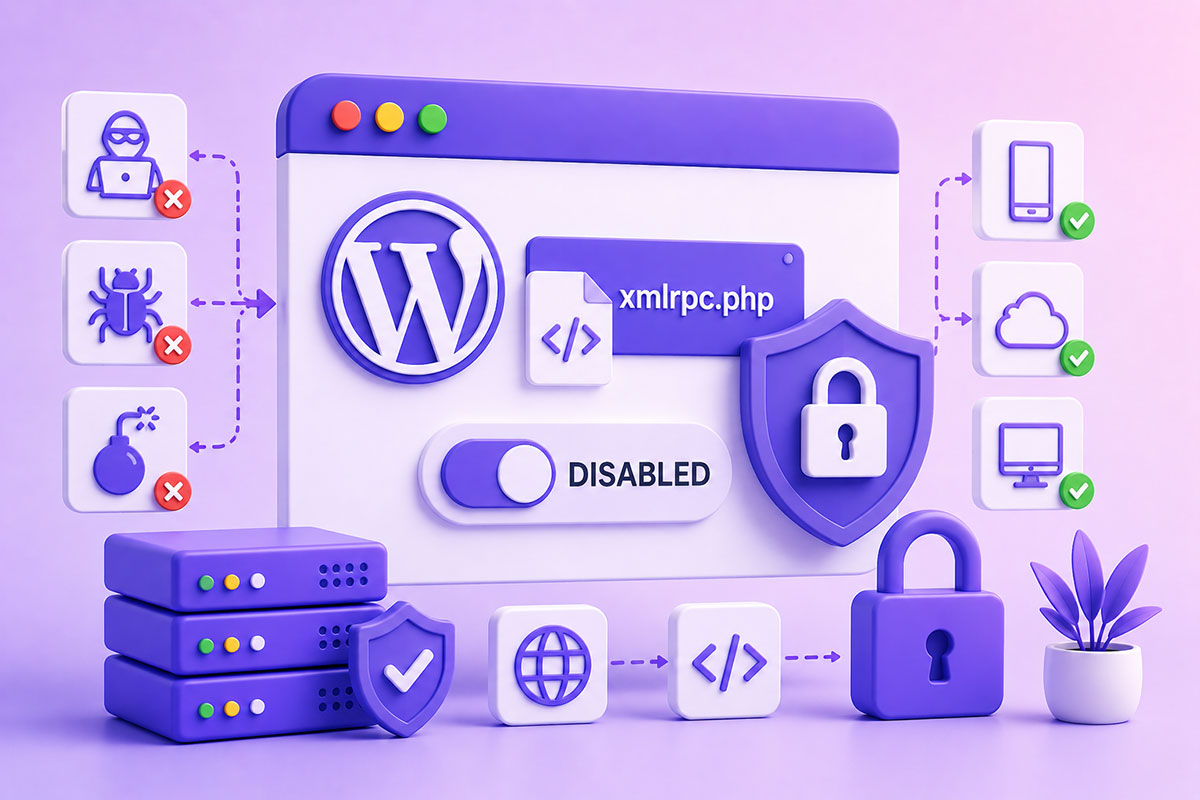
What Is XML-RPC?
XML-RPC is a remote communication protocol that allows external applications to interact with a WordPress website.
Before the introduction of the WordPress REST API, XML-RPC was the primary way for external applications to:
- Publish posts
- Edit content
- Upload media
- Moderate comments
- Access user information
- Connect desktop and mobile applications
Communication occurs through a single endpoint:
https://example.com/xmlrpc.php
Applications send XML requests to this endpoint, and WordPress processes them before returning XML responses.
While XML-RPC was a significant innovation when introduced, it is now considered a legacy interface for most modern WordPress integrations. The REST API has become the preferred approach for new development.
Why Was XML-RPC Created?
Years ago, WordPress websites couldn’t easily communicate with external software.
XML-RPC solved this problem by enabling:
- Remote publishing tools
- The WordPress mobile app
- Desktop blogging software
- Jetpack services
- Pingbacks and trackbacks
- Third-party integrations
At the time, it was revolutionary because developers no longer needed direct database access to manage WordPress remotely.
Why Is XML-RPC Often Considered a Security Risk?
The protocol itself isn’t inherently insecure.
The issue is that attackers have historically abused the endpoint for:
Brute-force login attacks
Thousands of authentication attempts can be bundled into fewer requests.
Pingback abuse
Attackers have used pingbacks to participate in distributed denial-of-service (DDoS) attacks.
Resource exhaustion
Repeated requests to xmlrpc.php can consume unnecessary server resources, especially on poorly protected websites.
Because of these risks, many security professionals recommend disabling XML-RPC when it isn’t required.
Do You Still Need XML-RPC?
For most modern WordPress websites:
No.
If your site only uses:
- WordPress admin
- Gutenberg
- REST API integrations
- Modern plugins
- WooCommerce
- Custom applications
then XML-RPC is usually unnecessary.
However, you may still require it if you’re using:
- Legacy publishing applications
- Older mobile workflows
- Certain Jetpack features
- Third-party systems that explicitly rely on XML-RPC
Before disabling it, verify that none of your integrations depend on it.
XML-RPC vs REST API
| XML-RPC | REST API |
|---|---|
| XML format | JSON format |
| Legacy protocol | Modern standard |
| Single endpoint | Resource-based endpoints |
| Harder to debug | Easier to inspect and test |
| Limited flexibility | Rich ecosystem and tooling |
| Older authentication patterns | Modern authentication options |
For new WordPress projects, the REST API is almost always the better choice.
How to Check Whether XML-RPC Is Enabled
Visit:
https://yourdomain.com/xmlrpc.php
If XML-RPC is available, you’ll typically see a message indicating that XML-RPC server accepts POST requests only.
Receiving that response doesn’t necessarily mean there’s a problem—it simply confirms the endpoint is active.
How to Disable XML-RPC
There are several approaches.
Method 1 — Filter (Recommended for Developers)
add_filter('xmlrpc_enabled', '__return_false');
This is lightweight and easy to maintain.
Method 2 — Server-Level Blocking
Apache:
<Files xmlrpc.php>
    Require all denied
</Files>
Blocking the endpoint at the web server prevents requests from reaching WordPress, reducing unnecessary load.
Method 3 — Security Plugins
Many security plugins include XML-RPC protection or allow it to be disabled with a single setting.
This is often the easiest option for non-developers.
When Should You Keep XML-RPC Enabled?
Keep it enabled if your business relies on:
- WordPress mobile publishing
- Legacy remote publishing workflows
- Jetpack features that require XML-RPC
- Older third-party integrations
Security should never come at the cost of breaking essential functionality.
Best Practices
If XML-RPC is required:
- Use strong passwords.
- Enable two-factor authentication where possible.
- Protect the site with a web application firewall (WAF).
- Monitor traffic to xmlrpc.php.
- Keep WordPress core, themes, and plugins updated.
If XML-RPC isn’t required:
- Disable it.
- Prefer REST API integrations for all new development.
- Periodically review server logs for unexpected requests.
Real-World Perspective
In the projects I build today—whether they’re custom WordPress plugins, Vue.js applications, business dashboards, or API-driven platforms—I almost exclusively rely on the WordPress REST API for communication.
It’s faster to work with, integrates naturally with modern JavaScript frameworks, and aligns with current WordPress development practices.
XML-RPC still has its place in maintaining compatibility with legacy systems, but for new projects, it has largely become a technology maintained for backward compatibility rather than one I’d choose by default.
Final Thoughts
XML-RPC played a major role in WordPress’s evolution, making remote publishing and application integration possible long before modern APIs became commonplace.
Today, however, most new WordPress development is centered around the REST API, while XML-RPC is increasingly viewed as a legacy interface that should remain enabled only when there is a clear business need.
Understanding when to keep it, when to disable it, and how to secure it is part of building reliable, modern WordPress applications.