
Why CSS Organization Matters
CSS is one of the core technologies of the web, responsible for controlling the appearance and layout of HTML documents. While developers can apply CSS in several ways, choosing the right approach affects maintainability, performance, collaboration, and scalability.
As projects grow from a single page into a business website or enterprise application, organizing styles properly becomes increasingly important.
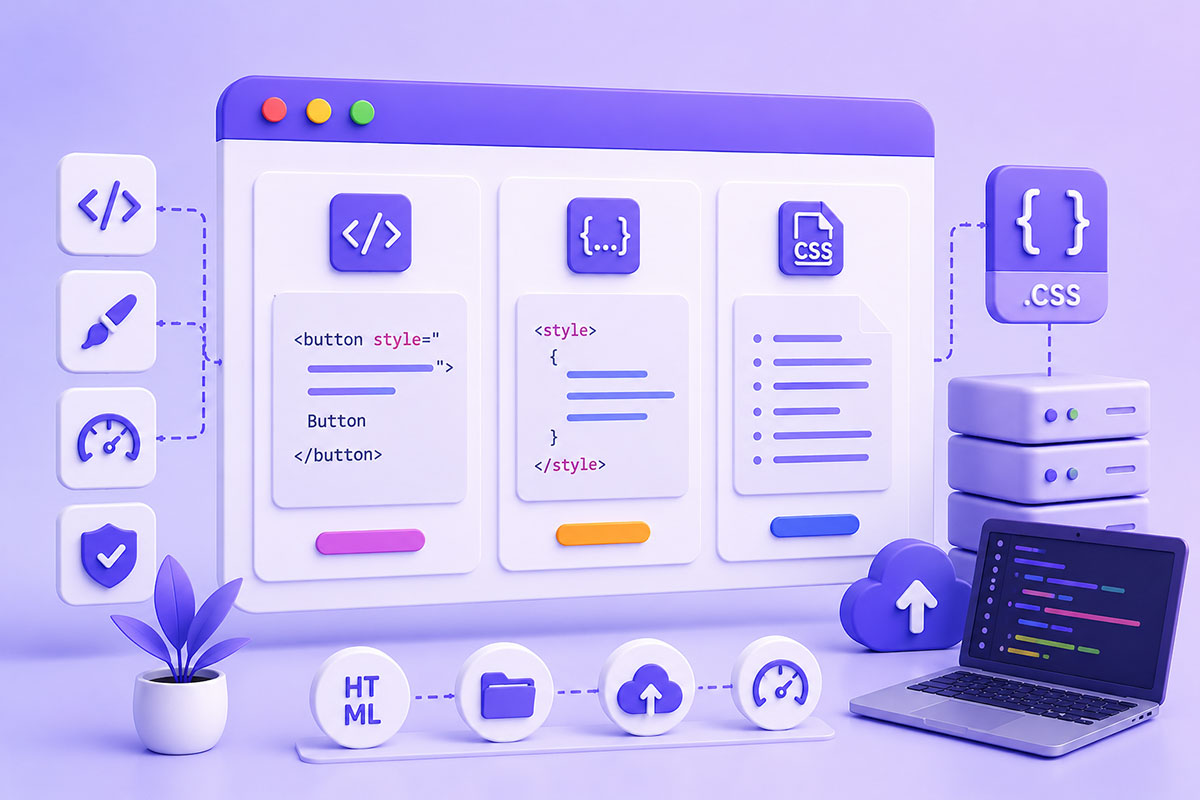
The three most common ways to apply CSS are:
- Inline CSS
- Internal (Embedded) CSS
- External CSS
Each has valid use cases, but they serve different purposes.
1. Inline CSS
Inline CSS applies styles directly to an HTML element using the style attribute.
<button style="background:#0073aa;color:#fff;">
Save
</button>
Advantages
- Quick to implement
- Useful for one-off styling
- Common in HTML emails
- Helpful when styles are generated dynamically
Disadvantages
- Difficult to maintain
- Cannot be reused
- Mixes presentation with markup
- High specificity makes overriding styles harder
When I Use It
Rarely.
Mostly for:
- HTML email templates
- JavaScript-generated styles
- Small prototype experiments
For production websites, inline CSS should generally be avoided because it doesn’t scale well.
2. Internal (Embedded) CSS
Internal CSS is placed inside a <style> block within the document’s <head>.
<style>
.hero{
background:#1a1a1a;
color:#fff;
}
</style>
Advantages
- Keeps HTML cleaner than inline styles
- Suitable for single-page applications
- Easy to test ideas
- No additional CSS request
Disadvantages
- Cannot be shared across multiple pages
- Difficult to maintain on larger websites
- Increases HTML document size
When I Use It
Internal CSS can be useful for:
- Landing pages
- Temporary demos
- Prototype interfaces
- Small standalone applications
Once styles are reused across multiple pages, moving them into an external stylesheet is usually the better choice.
3. External CSS
External CSS stores styles in one or more .css files linked from the HTML document.
<link rel="stylesheet" href="/assets/css/style.css">
This is the standard approach used by most modern websites.
Advantages
- Reusable across pages
- Easier maintenance
- Better organization
- Browser caching
- Team collaboration
- Cleaner HTML
Because browsers cache external stylesheets, repeat visits often require downloading only the HTML, improving performance across the site.
Comparing the Three Approaches
| Feature | Inline | Internal | External |
|---|---|---|---|
| Reusable | ✖ | Limited | ✓ |
| Easy to Maintain | ✖ | Moderate | ✓ |
| Browser Cache | ✖ | ✖ | ✓ |
| Suitable for Large Projects | ✖ | ✖ | ✓ |
| Best for Production | Rarely | Sometimes | Yes |
What About Performance?
A common misconception is that inline CSS is always faster.
In reality, performance depends on the project.
For a very small single-page site, internal styles may avoid one additional request.
For almost every multi-page website, external CSS becomes more efficient because browsers cache the stylesheet, reducing repeated downloads.
Performance today is also influenced by:
- HTTP/2 and HTTP/3
- Browser caching
- Critical CSS
- Asset minification
- CDN delivery
As a result, simply moving CSS inline is rarely the best optimization strategy.
What About WordPress?
In WordPress development, I generally use:
External Stylesheets
For:
- Themes
- Plugins
- Reusable UI components
- WooCommerce customizations
Inline CSS
Only when:
- Injecting user-configurable colors
- Applying calculated values
- Supporting page builder dynamic styling
Internal CSS
Occasionally for:
- Admin pages
- Small generated interfaces
- Temporary prototypes
Modern CSS Architecture
Large projects typically go beyond a single stylesheet.
Common organization includes:
assets/
    css/
        base.css
        layout.css
        components.css
        utilities.css
        responsive.css
This modular structure makes development easier as projects grow.
Common Mistakes
Using Inline CSS Everywhere
Makes maintenance difficult.
One Massive CSS File
Thousands of lines without organization become difficult to maintain.
Repeating Styles
Copying identical rules across multiple pages creates unnecessary duplication.
Ignoring Caching
Failing to leverage browser caching increases bandwidth and slows repeat visits.
Best Practices
When developing modern websites:
- Prefer external stylesheets.
- Keep CSS modular and organized.
- Minify production assets.
- Use browser caching effectively.
- Reserve inline CSS for exceptional cases.
- Use internal CSS only for isolated pages or prototypes.
- Keep HTML focused on structure, not presentation.
These practices improve maintainability and align with current front-end development standards.
Real-World Perspective
Across the WordPress plugins, Vue.js dashboards, business portals, and API-driven applications I’ve built, external stylesheets are the foundation of every production project.
Inline CSS still has legitimate uses—particularly for HTML emails and dynamic styling—but it’s no longer the primary way to build scalable interfaces.
A well-structured CSS architecture isn’t just about appearance; it makes projects easier to maintain, easier to extend, and more efficient for teams working together.
Final Thoughts
Inline, internal, and external CSS all have their place in modern web development.
The key isn’t choosing one universally—it’s understanding when each approach is appropriate.
For production websites, especially WordPress themes, plugins, and business applications, external stylesheets remain the best long-term choice because they promote consistency, maintainability, and performance.
Understanding these trade-offs helps developers build codebases that scale with their projects instead of becoming difficult to manage over time.