
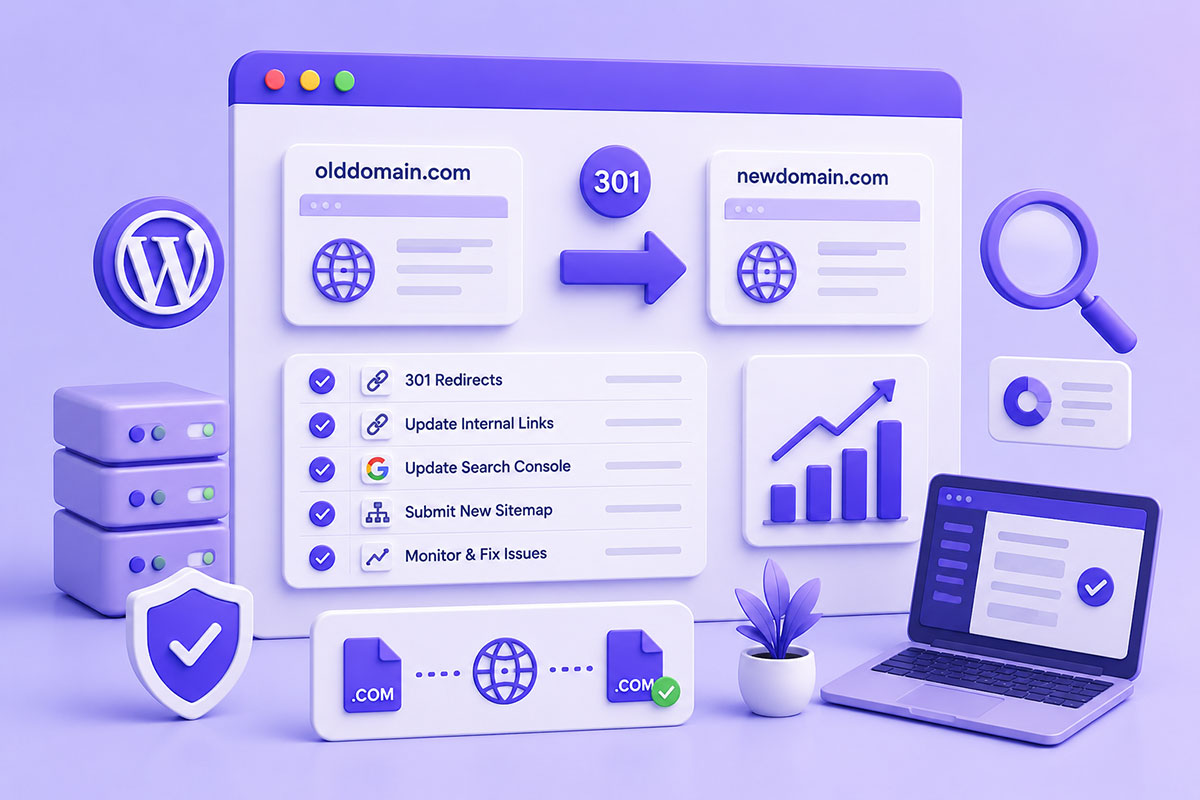
Is It Possible to Change Your Domain Without Losing Rankings?
One of the biggest concerns during a website rebrand or migration is:
“Will I lose my Google rankings?”
The honest answer is:
A domain migration can temporarily affect rankings, but with proper planning and execution, you can preserve the majority of your SEO equity. Google provides official guidance for site moves and recommends permanent redirects, updating Search Console, and maintaining consistent site structure wherever possible.
Whether you’re:
- Rebranding your business
- Moving to a better domain
- Merging multiple websites
- Switching from .net to .com
- Launching a redesigned website
a successful migration requires far more than simply pointing the new domain to your hosting.
Why Domain Migrations Affect SEO
Search engines don’t rank a domain name alone—they rank individual URLs.
Each indexed page has accumulated:
- backlinks
- authority
- user engagement
- search history
- crawl signals
Changing:
oldsite.com/about
to
newsite.com/about
creates an entirely new URL.
Without proper redirects, Google sees the old page as gone and the new page as unrelated, causing rankings and link equity to be lost. Google recommends permanent redirects when content moves to new URLs.
Before You Change Anything
Preparation is the most important part of a migration.
Before launching:
- Crawl the existing website.
- Export every indexed URL.
- Export metadata.
- Back up the entire website.
- Record current keyword rankings.
- Save analytics data.
- Record backlinks if possible.
Think of this as creating a baseline so you can verify everything after launch.
Step 1 – Keep URL Structure the Same (If Possible)
The ideal migration is:
Old

/about
/services
/contact

↓

New

/about
/services
/contact
If only the domain changes:
olddomain.com/about
↓
newdomain.com/about
Google has much less to process.
Changing both the domain and every URL at the same time increases complexity and risk. Google advises minimizing unnecessary changes during site moves.
Step 2 – Implement 301 Redirects
This is the single most important step.
Every old URL should permanently redirect to its exact equivalent.
Good:
/about
↓
/about
Bad:
/about
↓
/
Each page should map to its closest equivalent.
Avoid redirect chains and use permanent (301) redirects rather than temporary redirects for a permanent move.
Step 3 – Update Internal Links
Many migrations leave internal links pointing to the old domain.
Update:
- Navigation
- Footer
- Buttons
- Images
- CSS
- JavaScript
- Canonical URLs
- Open Graph URLs
- Structured Data
Internal links should point directly to the new URLs rather than relying on redirects.
Step 4 – Update Google Search Console
After:
- launching
- verifying redirects
- confirming the new domain
use the Change of Address tool in Google Search Console.
This tells Google that the site has permanently moved to a new domain and helps transfer search signals more efficiently. Both the old and new domains should be verified before using the tool.
Step 5 – Submit the New XML Sitemap
Generate a fresh sitemap for the new domain.
Submit it through Search Console.
This helps Google discover:
- new URLs
- updated canonical URLs
- modified pages
more quickly.
Step 6 – Keep the Old Domain Active
One mistake I still see is cancelling the old domain immediately after launch.
Don’t.
Keep:
- domain registration
- hosting (if needed)
- redirects
active for at least 12 months.
Many visitors and websites will continue using old bookmarks and backlinks long after the migration. Google also recommends keeping redirects in place for as long as practical.
Monitor Everything
After launch, monitor:
- Crawl errors
- 404 pages
- Redirect loops
- Index coverage
- Organic traffic
- Keyword rankings
- Page speed
Temporary ranking fluctuations are normal.
The goal is to identify technical issues before they become long-term problems.
Common Mistakes
Redirecting Everything to the Homepage
Every page deserves its own destination.
Using Temporary Redirects
For permanent migrations:
Use:
301
Not:
302
Google treats permanent redirects differently when consolidating ranking signals.
Forgetting Canonical URLs
Update every canonical tag to the new domain.
Blocking Search Engines
Double-check:
robots.txt

noindex

password protection
before launch.
Changing Everything at Once
Avoid simultaneously changing:
- domain
- URLs
- navigation
- content
- design
- CMS
The more variables introduced at once, the harder it becomes to diagnose issues.
Real-World Perspective
I’ve handled domain changes during:
- Website redesigns
- Hosting migrations
- Company rebranding
- Multi-location business platforms
- WordPress upgrades
- WooCommerce store migrations
The technical migration itself is usually straightforward.
The real challenge is protecting years of accumulated SEO value while ensuring users experience a seamless transition.
The most successful migrations I’ve worked on were those where the planning took longer than the actual launch.
Best Practices Checklist
Before migration:
- Complete website backup
- Crawl and export existing URLs
- Prepare redirect map
- Verify the new domain
Launch day:
- Enable 301 redirects
- Update internal links
- Update canonical URLs
- Generate new XML sitemap
- Test forms, APIs, and checkout
After launch:
- Submit the new sitemap
- Use the Search Console Change of Address tool
- Monitor crawl errors
- Track rankings
- Keep the old domain and redirects active
Final Thoughts
Changing your domain doesn’t have to mean starting your SEO journey from scratch.
With a structured migration plan, permanent URL redirects, updated internal references, and proper communication with search engines, it’s possible to retain the vast majority of your organic visibility while moving your brand forward.
A successful migration isn’t simply about making the new website work—it’s about ensuring search engines and users arrive at the right destination without interruption.