
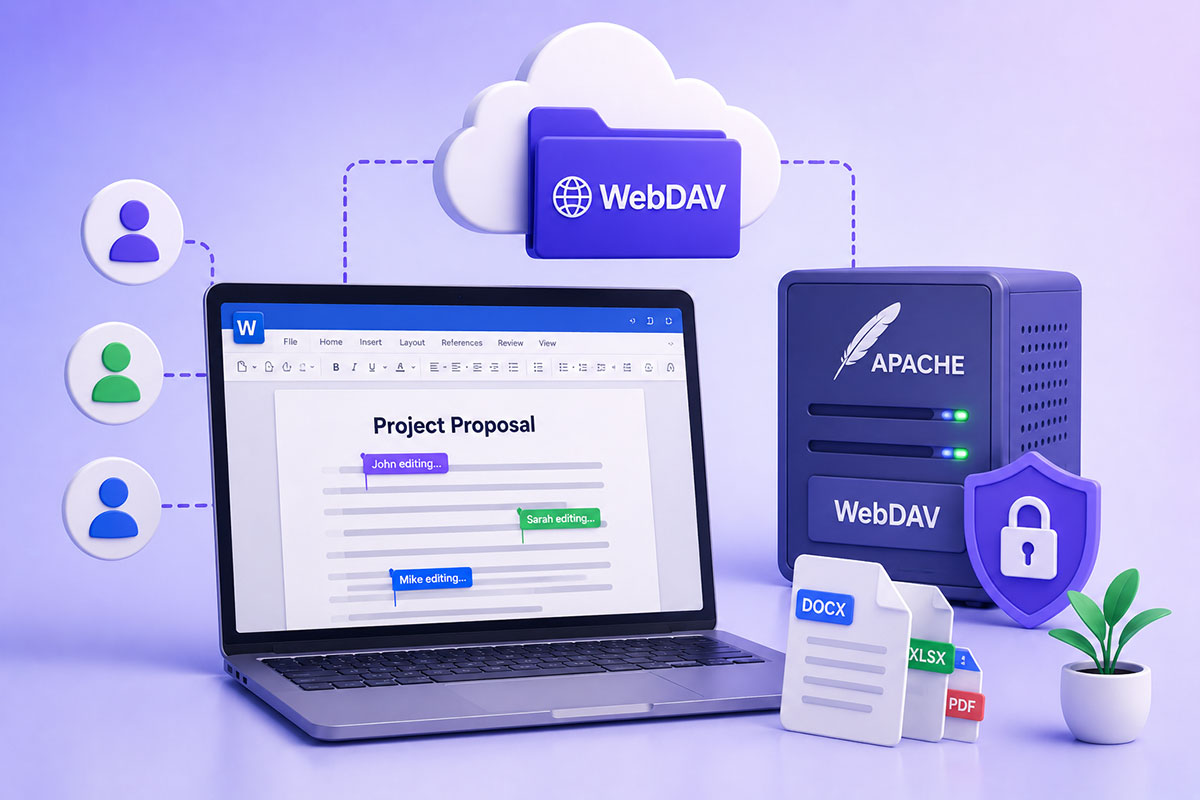
Why Document Collaboration Matters
Modern businesses expect multiple users to edit documents simultaneously without worrying about conflicting versions.
Whether it’s:
- Project documentation
- Business proposals
- Technical specifications
- Contracts
- Internal knowledge bases
real-time collaboration has become the standard.
Microsoft Office provides an excellent co-authoring experience—but many organizations assume this is only possible with SharePoint or OneDrive.
The reality is more nuanced.
What Is WebDAV?
WebDAV (Web Distributed Authoring and Versioning) is an extension of HTTP that enables remote file management over the web.
Instead of simply downloading files, WebDAV allows applications to:
- create documents
- edit documents
- upload files
- delete files
- lock resources
- manage metadata
It’s been used for years by content management systems, document repositories, and enterprise collaboration platforms.
Why Developers Use WebDAV
Many organizations already have:
- Apache
- Linux
- Existing authentication
- Custom document systems
Instead of deploying SharePoint, they often expose document storage through WebDAV.
Advantages include:
- Open standard
- Cross-platform support
- Easy Apache integration
- No proprietary document repository
Existing infrastructure reuse
How Microsoft Office Uses WebDAV
Microsoft Office has long supported opening and saving documents directly over WebDAV.
A typical workflow looks like:
Word
↓
LOCK document
↓
Download document
↓
Edit
↓
PUT updated version
↓
Unlock
To support editing, the server must correctly implement WebDAV locking semantics. If document locking isn’t supported or fails, Office commonly opens the document in read-only mode.
The Difference Between File Editing and Co-Authoring
This is where many articles become confusing.
Opening a Word document directly from a WebDAV server is not the same thing as real-time collaborative editing.
File Editing
✔ Open
✔ Save
✔ Lock
✔ Unlock
Co-Authoring
✔ Multiple users
✔ Simultaneous edits
✔ Live synchronization
✔ Conflict resolution
✔ Presence indicators
These are different capabilities.
Apache + WebDAV
Apache can expose folders using WebDAV modules.
Typical configuration includes:
- WebDAV module
- Authentication
- SSL
- Lock database
- Authoring permissions
From Office’s perspective, it simply communicates with a WebDAV endpoint.
The Challenges Today
Modern Microsoft 365 clients have evolved considerably.
Recent versions increasingly expect Microsoft-centric collaboration services and stronger authentication mechanisms. Organizations using generic WebDAV servers have reported compatibility issues with newer Office releases, particularly around authentication and document editing workflows.
If you’re designing a new document collaboration platform today, it’s important to test against the current Microsoft 365 desktop clients rather than assuming behavior from older Office versions.
Authentication Matters
One of the biggest implementation challenges is authentication.
Office clients can work with several authentication methods, but support varies by version and platform. Basic, NTLM, Kerberos, and Microsoft-specific authentication flows are commonly referenced, while modern deployments increasingly rely on OAuth-based approaches.
For production environments:
- Always use HTTPS.
- Avoid relying on outdated authentication mechanisms.
- Test with the exact Office version your users will run.
When Does WebDAV Still Make Sense?
WebDAV remains a good fit when you need:
- Internal document repositories
- Legacy Office integrations
- Custom document management systems
- Linux-based infrastructure
- Lightweight remote file editing
If your goal is real-time collaborative editing with Microsoft 365, SharePoint and OneDrive provide the most complete experience because they implement the services Office expects.
Real-World Perspective
I’ve used WebDAV primarily for integrating document management into custom business applications rather than replacing Microsoft 365.
In those projects, WebDAV offered:
- Centralized file storage
- Office document editing
- Controlled access
- Integration with existing web applications
- Reduced dependence on proprietary document servers
For organizations that need custom workflows around documents, WebDAV can still be an effective building block, provided its limitations are understood.
Best Practices
If you’re implementing Office editing over WebDAV:
- Enable HTTPS.
- Support proper WebDAV locking.
- Use a tested authentication method.
- Validate compatibility with the target Office version.
- Log WebDAV requests for troubleshooting.
- Distinguish clearly between file editing and true co-authoring.
- Consider modern collaboration platforms if simultaneous editing is a core requirement.
Final Thoughts
WebDAV remains an important open standard for remote document editing, and Apache continues to provide a solid implementation for many enterprise scenarios.
However, the collaboration landscape has evolved. While WebDAV is still well suited for opening, editing, and saving Office documents, organizations seeking the full Microsoft 365 co-authoring experience should understand that modern Office clients increasingly rely on additional services and authentication mechanisms beyond the WebDAV protocol itself.
The right choice depends on your business requirements. For custom document repositories and controlled enterprise workflows, WebDAV remains a practical solution. For seamless real-time collaboration across large teams, Microsoft 365’s native ecosystem is generally the better fit.