
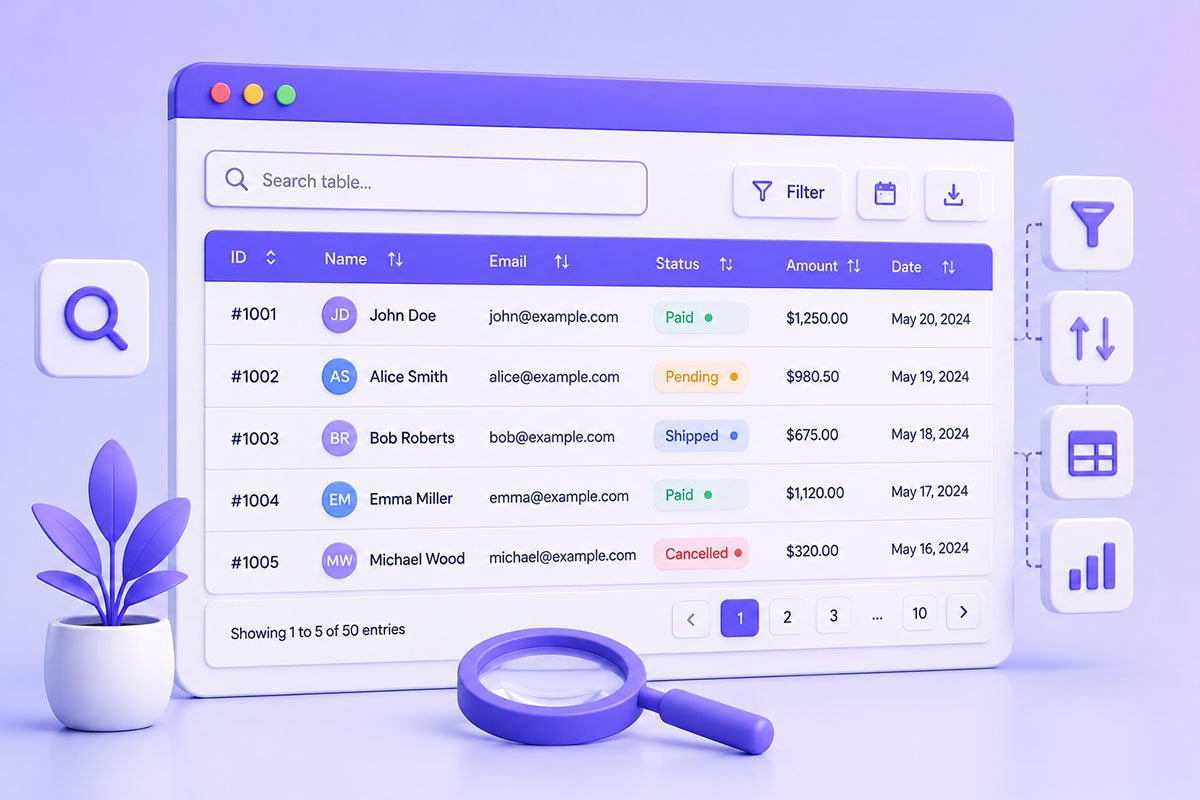
Why Searchable Tables Matter
Business applications often display hundreds—or even thousands—of rows of data.
Examples include:
- Customer records
- Sales reports
- Orders
- Inventory
- Analytics dashboards
- CRM contacts
- Support tickets
- Financial reports
Scrolling through large tables quickly becomes frustrating.
A live search box allows users to locate information instantly without refreshing the page.
Client-side filtering remains an effective approach for small-to-medium datasets because it provides immediate feedback without additional server requests.
Traditional Search vs Live Filtering
Traditional search typically works like this:
Enter keyword
↓
Submit form
↓
Server request
↓
Page reload
↓
Results
A live table filter removes those extra steps:
Type
↓
Rows update instantly
↓
Continue typing
↓
Results narrow in real time
For users, the experience feels significantly faster because the browser filters existing data instead of waiting for another HTTP request.
How Client-Side Filtering Works
The concept is simple.
The application:
- Reads the search input
- Iterates through table rows
- Compares each row’s text
- Shows matching rows
- Hides non-matching rows
This can be implemented using plain JavaScript or jQuery with only a small amount of code.
A Simple jQuery Example
A lightweight implementation looks like:
$('.search').on('keyup', function () {

    const keyword = $(this).val().toLowerCase();

    $('#orders tbody tr').each(function () {

        const text = $(this).text().toLowerCase();

        $(this).toggle(text.indexOf(keyword) > -1);

    });

});
This approach filters rows in real time as the user types and is sufficient for many small administrative interfaces.
Search Across All Columns
One of the most useful techniques is searching the entire row rather than limiting the search to a single column.
This allows users to type:
John

Invoice

New York

Pending

Google Ads
without first selecting which column they want to search.
For general-purpose admin interfaces, this often provides the best user experience.
Going Beyond Simple Text Search
Modern applications often support richer filtering, such as:
Multiple Keywords
Example:
john pending florida
Return rows containing all (or any) of those terms depending on your search logic. Many implementations split the input into individual words before filtering.
Column Filters
Instead of one search box:
Name
↓
Status
↓
Date
↓
Location
each column gets its own filter.
This works well for reporting interfaces.
Dropdown Filters
Examples:
- Status
- Country
- Department
- Product Category
Dropdowns reduce typing and eliminate spelling differences.
Date Range Filters
Examples:
From
↓
To
Ideal for invoices, transactions, and analytics dashboards.
Numeric Filters
Useful for:
- Sales
- Revenue
- Inventory
- Quantity
- Ratings
These require comparisons rather than simple string matching.
Performance Considerations
For small tables, client-side filtering is extremely fast.
As datasets grow into the thousands of rows, performance can become a concern.
To keep filtering responsive:
- Cache row text instead of recalculating it repeatedly.
- Debounce user input by a few hundred milliseconds.
- Avoid unnecessary DOM updates.
- Consider server-side searching for very large datasets.
For enterprise applications, client-side filtering is best suited to data already loaded into the browser.
Should You Use jQuery?
Many older WordPress projects still include jQuery.
For those applications, jQuery remains a perfectly practical solution.
For newer projects, native JavaScript often provides the same functionality without requiring an additional library.
The important part isn’t the framework—it’s creating a fast, intuitive search experience.
Building Better Data Tables
Search is only one feature.
Modern data tables often combine:
- Live search
- Sorting
- Pagination
- Export to CSV/Excel
- Column visibility
- Sticky headers
- Responsive layouts
- Row selection
- Bulk actions
Together, these features transform a static HTML table into a productive business tool.
Common Mistakes
Searching Only One Column
Users often don’t remember where a value appears.
Searching the full row is usually more intuitive.
Filtering on Every Keystroke Without Optimization
For large tables, a small debounce delay improves responsiveness.
Hiding Rows Without Feedback
Display something like:
No matching records found.
when the filter returns no results.
Ignoring Mobile Devices
Search inputs and tables should remain usable on smaller screens.
Loading Thousands of Rows
If your application contains tens of thousands of records, server-side filtering is generally more appropriate than client-side filtering.
Real-World Perspective
I’ve implemented searchable tables across a wide range of business applications, including:
- Google Ads reporting dashboards
- POS analytics
- CRM systems
- Customer portals
- Multi-location management platforms
- Inventory reports
- Administrative dashboards
In these systems, users don’t just want to view data—they need to locate it quickly.
A well-designed filtering experience often saves more time than adding new reports or visualizations.
Best Practices
When building searchable tables:
- Search all relevant columns.
- Keep filtering instantaneous for small datasets.
- Debounce input for larger tables.
- Combine search with sorting and pagination.
- Show a helpful message when no results are found.
- Move to server-side filtering as data volumes grow.
- Design with both desktop and mobile users in mind.
Final Thoughts
Live table filtering is one of the simplest enhancements you can add to a data-heavy interface, yet it has a significant impact on usability.
Whether you’re building a WordPress plugin, a CRM, a reporting dashboard, or a custom business application, enabling users to find information instantly makes the software feel faster and more intuitive.
The implementation itself is relatively straightforward—the real value lies in designing a filtering experience that scales with both your data and your users’ expectations.